
Digital Visiting Card (vCard) save to phone in one tap
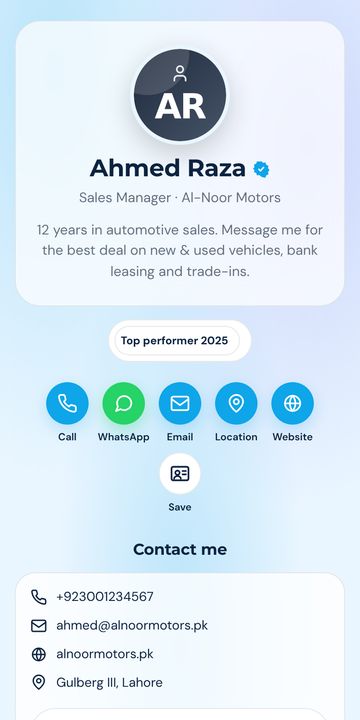
Your personal card at cutt.pk/@your-name. Share a link or QR — the other person taps Save and your name, number, photo and email land in their Contacts.
سب کچھ ایک لنک میں
True vCard download
A standards-compliant .vcf with photo, title, company, phones, email, address and social links.
Personal fields
Prefix (Dr / Engr / Mr), first & last name, job title, company, headline, about.
Appointment booking
Built-in request form (lands in your leads) or your Calendly / Google Calendar link.
Portfolio & documents
Show your work, attach your CV or brochure as PDF.
Link to your company
Attach your card to the company profile — you appear on its Team section automatically.
Share everywhere
WhatsApp, Facebook, LinkedIn, SMS, email, copy link, QR — plus add-to-home-screen on phones.
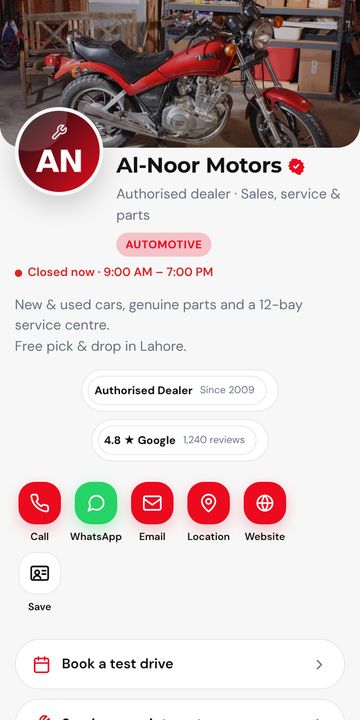
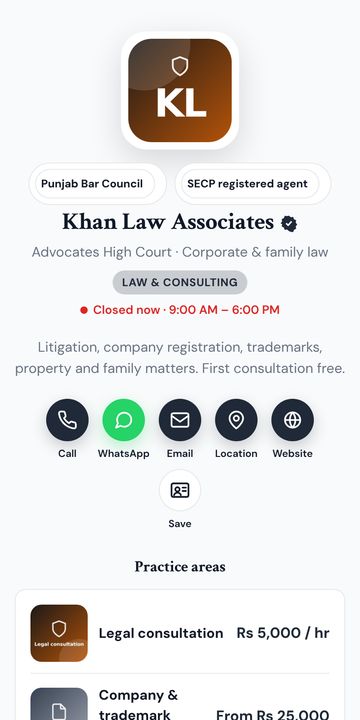
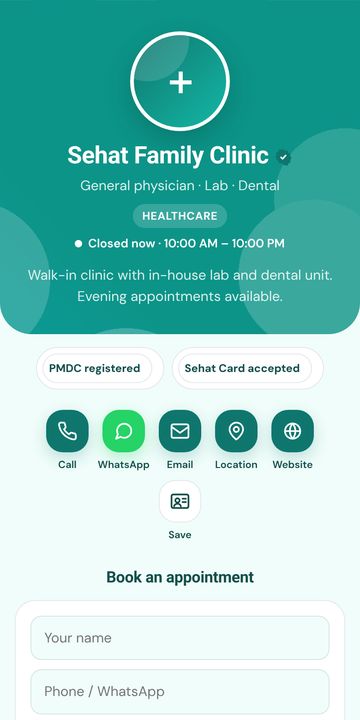
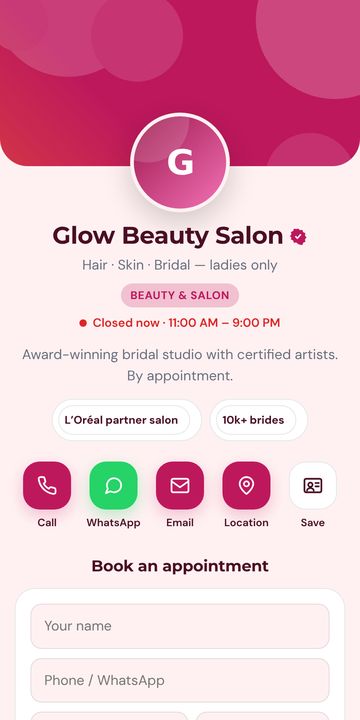
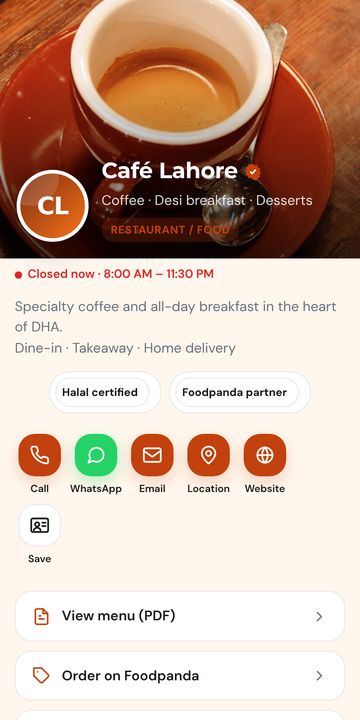
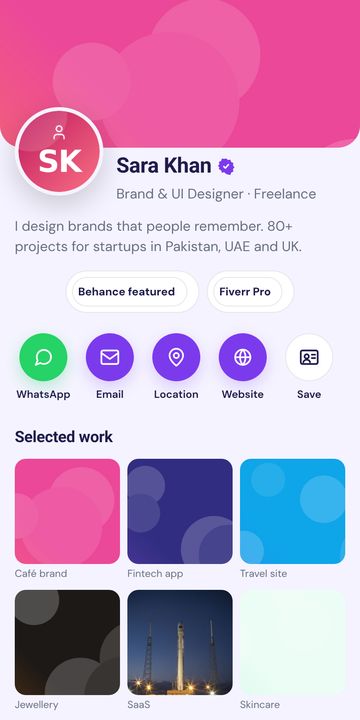
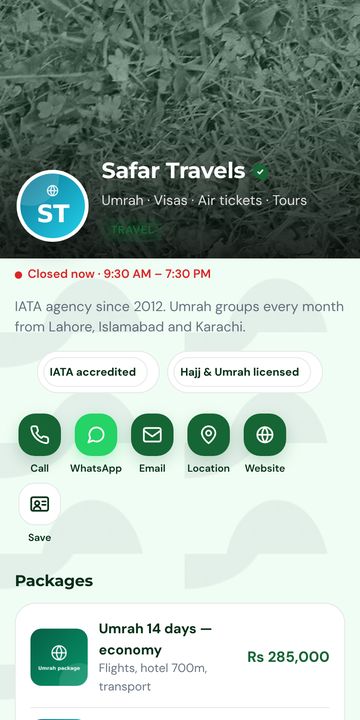
36 ڈیزائن، 8 لے آؤٹ — کبھی بھی بدلیں
بزنس، ذاتی، تخلیقی، ڈارک، لگژری، منیمل اور انڈسٹری پیکس۔ ہر رنگ، فونٹ، بٹن اور پیٹرن بدلا جا سکتا ہے۔ لائیو ڈیمو کے لیے ڈیزائن پر ٹیپ کریں۔
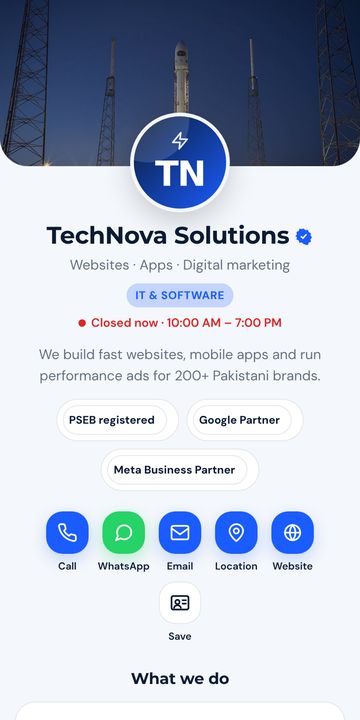
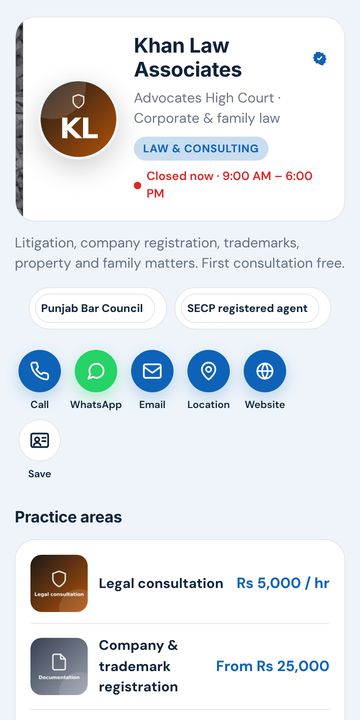
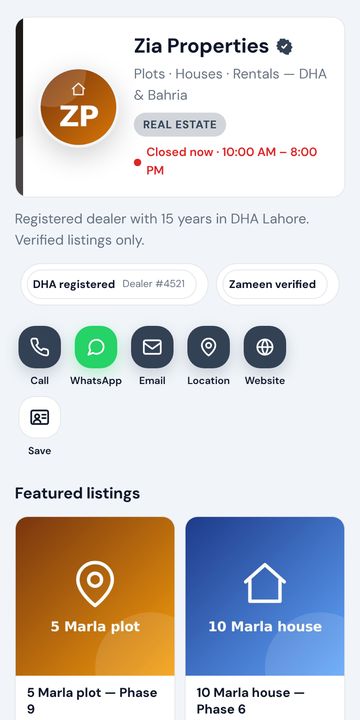
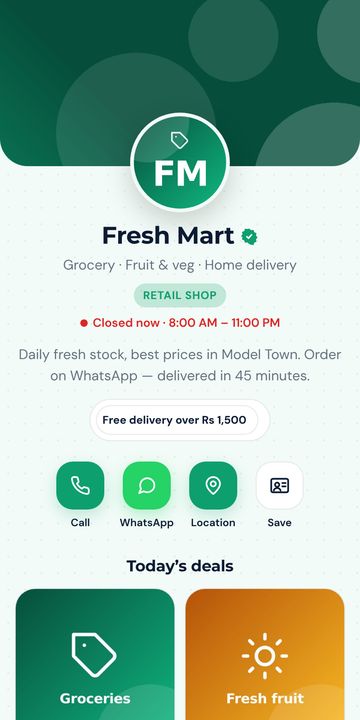
2 منٹ میں لائیو
واٹس ایپ یا ای میل OTP سے سائن اپ کریں۔ ایک اکاؤنٹ cutt.pk, surl.pk, tiny.pk پر چلتا ہے۔
نام، نمبر، واٹس ایپ، تصویر/لوگو، سروسز۔ ڈیزائن چنیں۔ لائیو فون پریویو کے ساتھ سب خود بخود محفوظ ہوتا ہے۔
لنک بائیو میں لگائیں، QR کارڈ یا دکان کے بورڈ پر پرنٹ کریں، واٹس ایپ پر بھیجیں۔ بغیر دوبارہ پرنٹ کیے کبھی بھی اپ ڈیٹ کریں۔
اکثر پوچھے جانے والے سوالات
What is a vCard?
vCard (.vcf) is the standard contact file format that phones understand. When someone opens it, their phone offers to save you to Contacts with photo, numbers, email and company.
Do I need an app?
No. The card is a web page and the vCard is downloaded by the browser. Works on iPhone, Android and desktop.
Can I put the QR on my printed visiting card?
Yes. Download the QR (PNG or SVG) from your dashboard and give it to your printer. Changing your number later does not require reprinting.
Can I have more than one card?
Yes — e.g. one personal and one for your business. Limits are shown in your dashboard.
تیار ہیں؟ یہ مفت ہے۔
Your personal card at cutt.pk/@your-name. Share a link or QR — the other person taps Save and your name, number, photo and email land in their Contacts.