
Digital Visiting Card (vCard) save to phone in one tap
Your personal card at cutt.pk/@your-name. Share a link or QR — the other person taps Save and your name, number, photo and email land in their Contacts.
一个链接包含一切
True vCard download
A standards-compliant .vcf with photo, title, company, phones, email, address and social links.
Personal fields
Prefix (Dr / Engr / Mr), first & last name, job title, company, headline, about.
Appointment booking
Built-in request form (lands in your leads) or your Calendly / Google Calendar link.
Portfolio & documents
Show your work, attach your CV or brochure as PDF.
Link to your company
Attach your card to the company profile — you appear on its Team section automatically.
Share everywhere
WhatsApp, Facebook, LinkedIn, SMS, email, copy link, QR — plus add-to-home-screen on phones.
36 款设计、8 种布局——随时更换
商务、个人、创意、深色、奢华、极简和行业套装。每种颜色、字体、按钮和图案均可调整。点击设计查看实时演示。
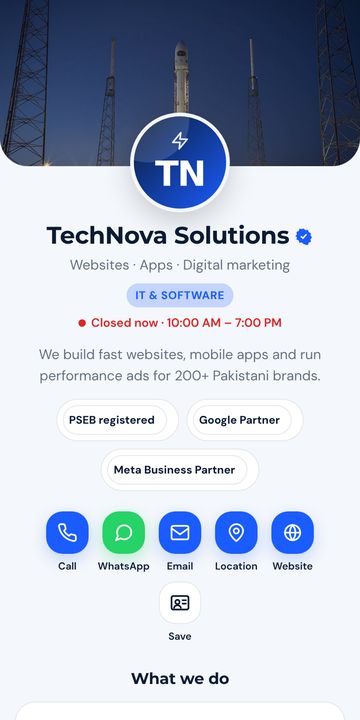
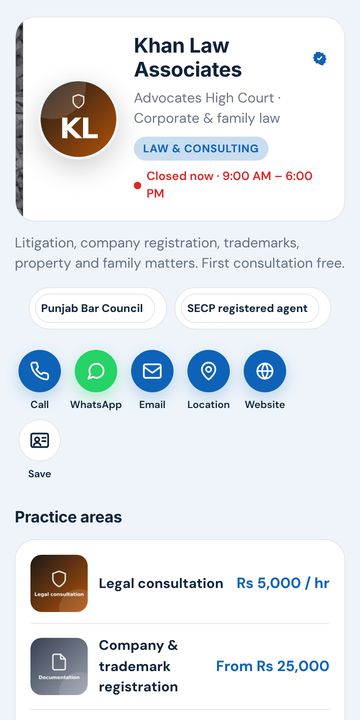
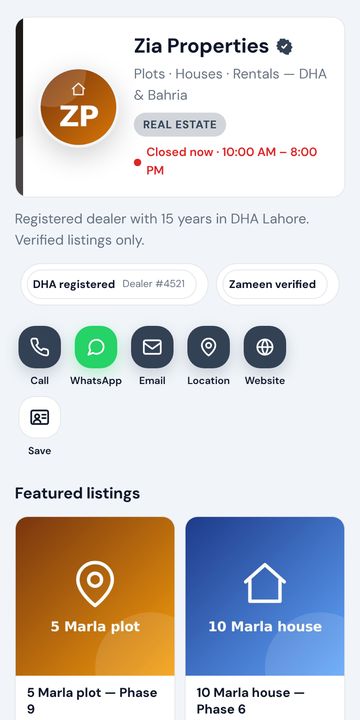
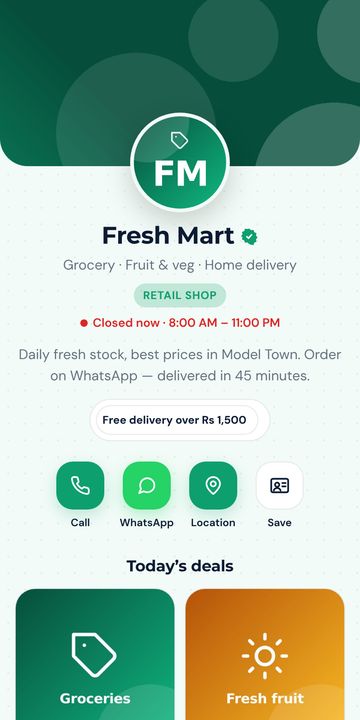
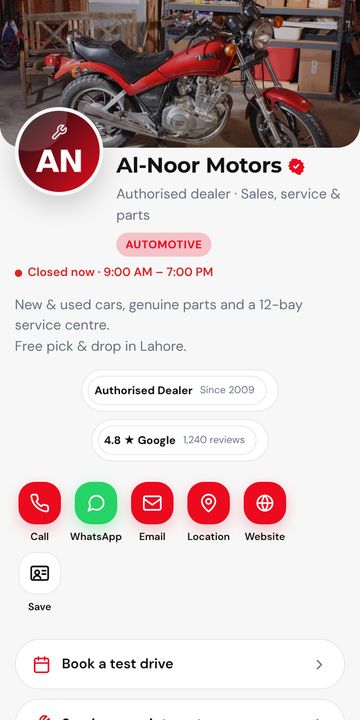
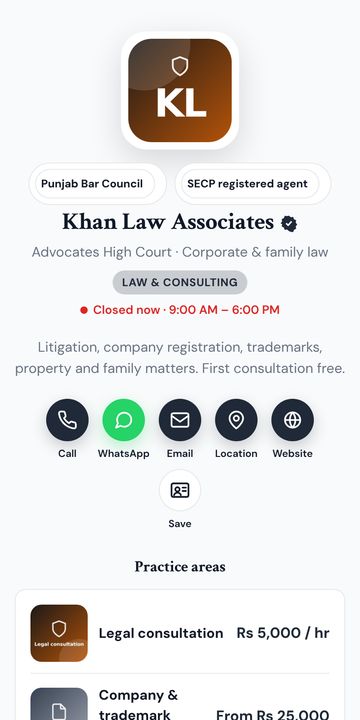
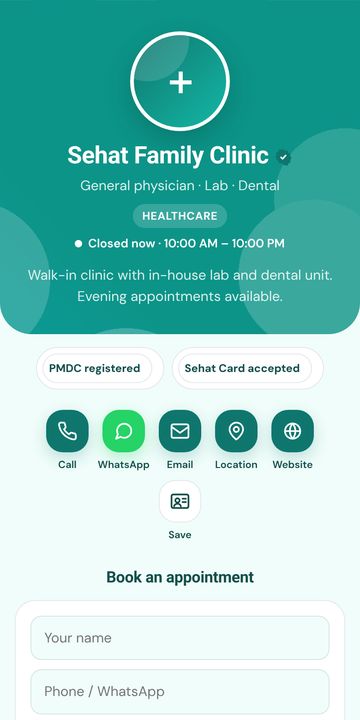
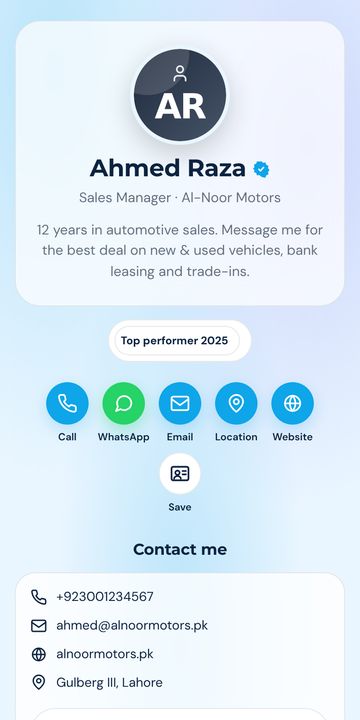
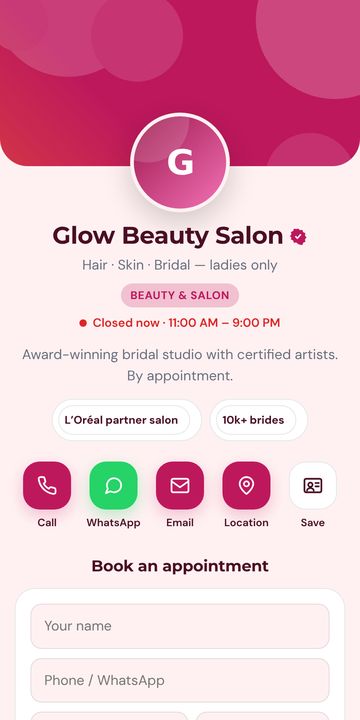
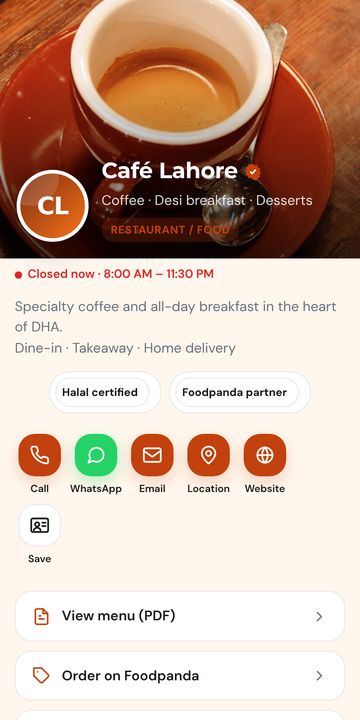
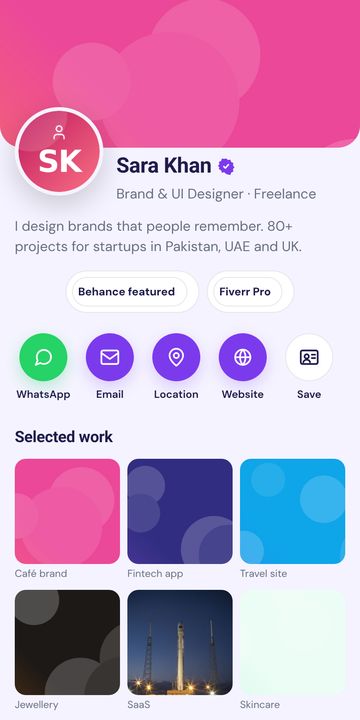
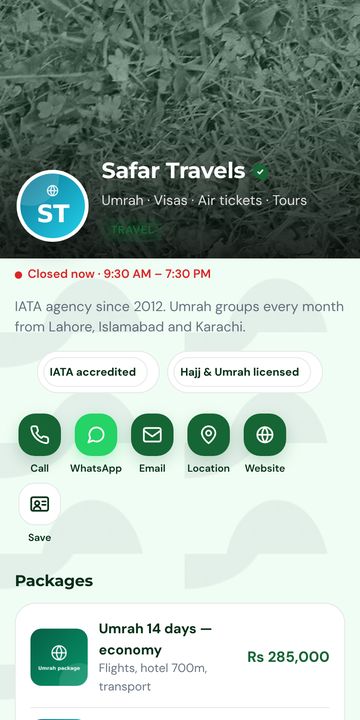
2 分钟上线
通过 WhatsApp 或邮箱验证码注册。一个账户适用于 cutt.pk, surl.pk, tiny.pk。
姓名、号码、WhatsApp、照片/标志、服务。选择设计。一切自动保存并实时手机预览。
把链接放到简介中,把二维码印在名片或店铺招牌上,通过 WhatsApp 发送。随时更新,无需重印。
常见问题
What is a vCard?
vCard (.vcf) is the standard contact file format that phones understand. When someone opens it, their phone offers to save you to Contacts with photo, numbers, email and company.
Do I need an app?
No. The card is a web page and the vCard is downloaded by the browser. Works on iPhone, Android and desktop.
Can I put the QR on my printed visiting card?
Yes. Download the QR (PNG or SVG) from your dashboard and give it to your printer. Changing your number later does not require reprinting.
Can I have more than one card?
Yes — e.g. one personal and one for your business. Limits are shown in your dashboard.
准备好了吗?免费。
Your personal card at cutt.pk/@your-name. Share a link or QR — the other person taps Save and your name, number, photo and email land in their Contacts.